🌏 中文版
Every time I solve a problem, I know I should write it down. But most of the time I don't — because that means gathering my thoughts, opening an editor, coming up with a title, filling out frontmatter. Just the setup is enough to make me give up.
These past few days I've been refactoring this blog with Claude Code. I ran into two issues, solved them, and then just said:
Write these up as posts
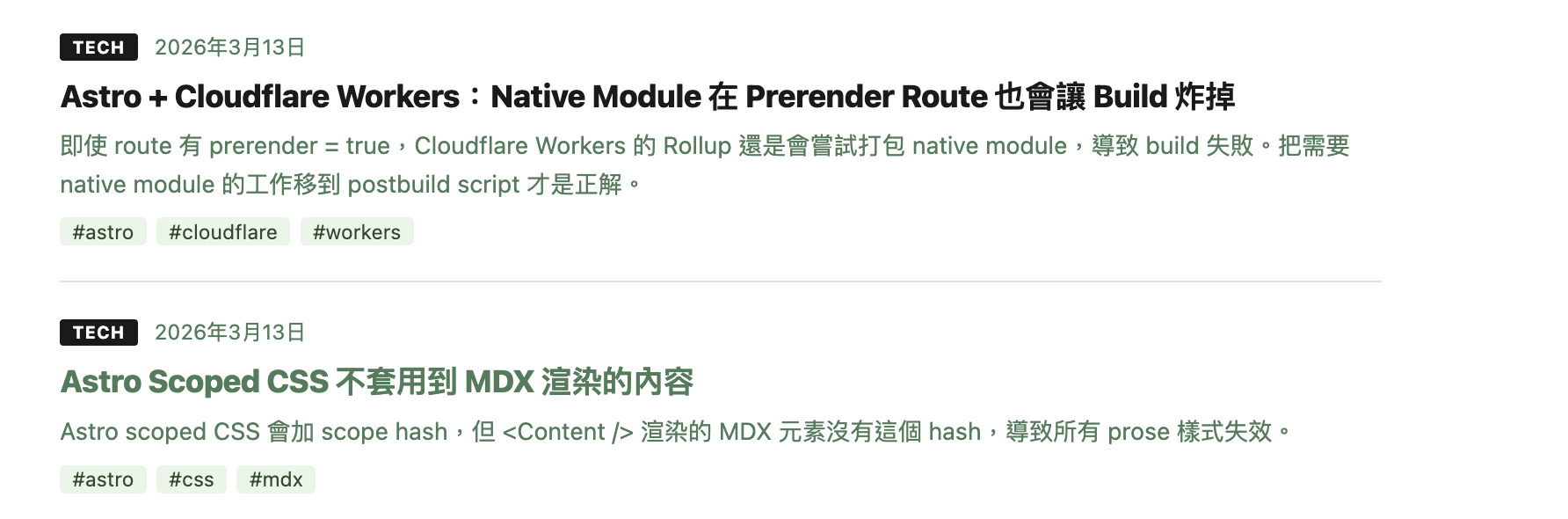
And two articles appeared in the repo.
Why It Works
The traditional technical documentation workflow looks like this:
Solve problem → Recall later → Reorganize → Write postThe friction lives in "recall later" and "reorganize." By the time you've solved the problem, you're tired — going back to reconstruct your thinking into written form rarely happens.
Switch to this workflow:
Solve problem (in conversation) → Say "write it up" → Post appearsThe conversation itself is the raw material. Claude Code was present throughout the entire debug session — it knows what error you hit, what approaches you tried, how you ultimately fixed it, and what the root cause was. There's nothing to re-explain; that information is already in the conversation.
How It Actually Works
The post skill defines several templates, each with a different structure suited to different content types. For technical debugging, the template is:
Context → Problem → Attempts → Solution → Root Cause → Lessons LearnedWhen you say "write this up as a post," Claude will:
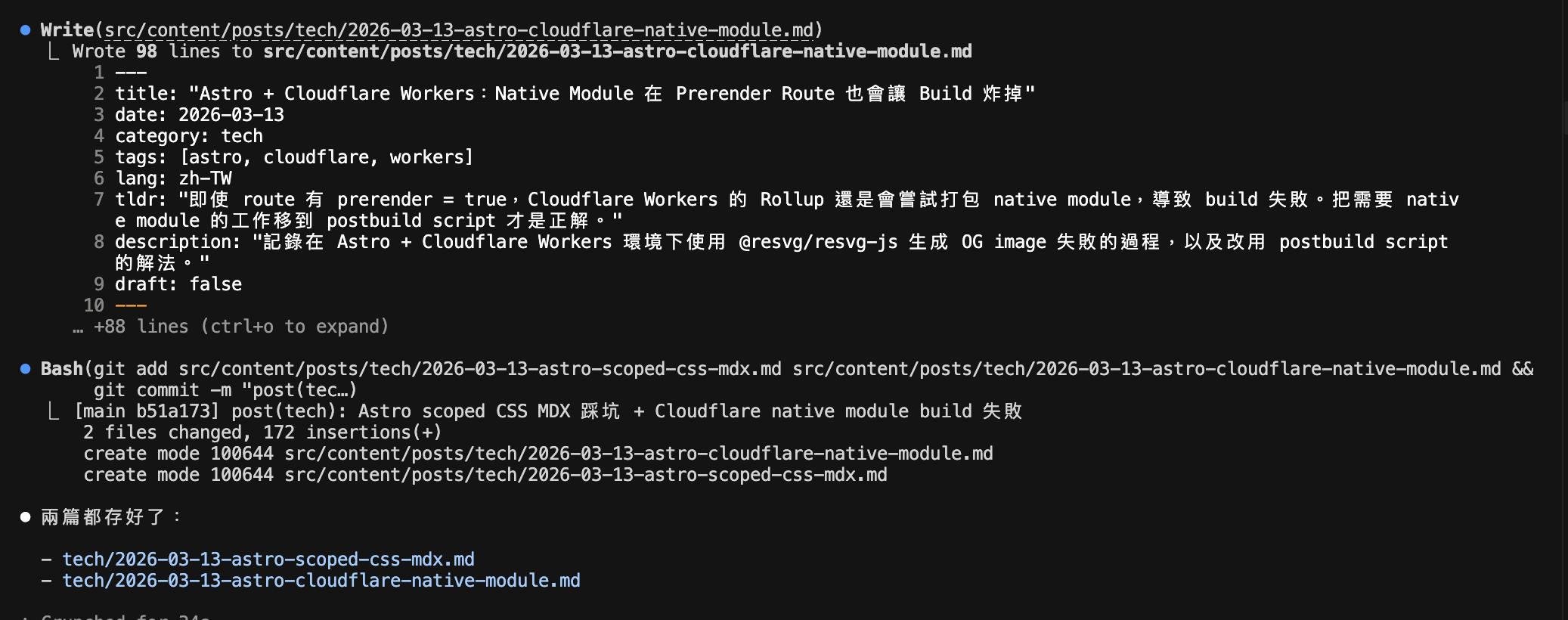
- Extract the relevant content from the conversation and fill in this structure
- Determine the appropriate category and tags
- Generate complete frontmatter
- Save the file to the correct path (
src/content/posts/<category>/YYYY-MM-DD-<slug>.md) - Commit it to the repo
The whole process requires nothing from me except reviewing the draft.
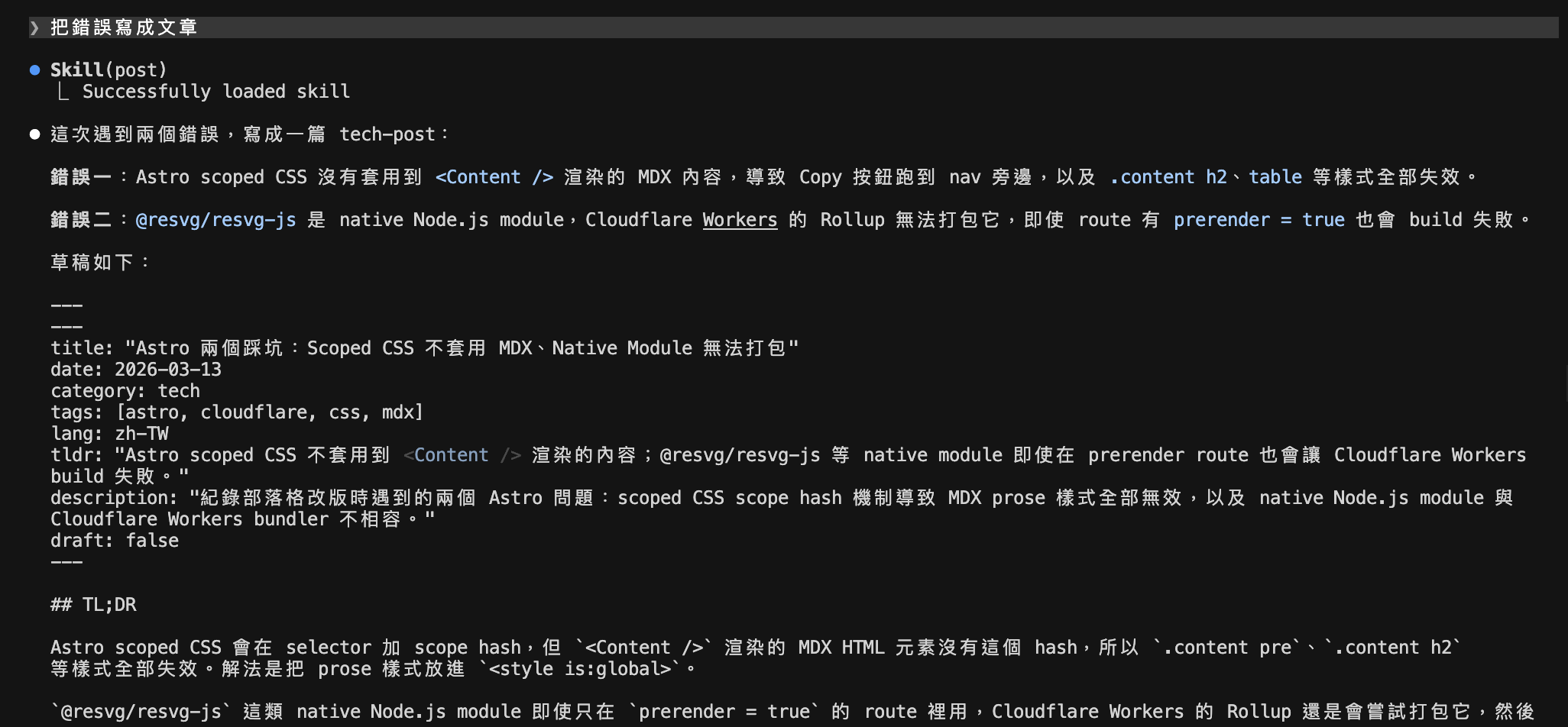
Today's Examples
During today's refactoring session, I ran into two problems:
Astro scoped CSS not applying to MDX content: The copy button ended up next to the nav, and all prose styles failed to apply. The root cause is Astro's scope hash mechanism — HTML rendered by <Content /> doesn't carry the hash, so the scoped selectors never match.
Cloudflare Workers failing to bundle a native module: @resvg/resvg-js is a .node binary. Even with prerender = true on the route, Rollup still tries to resolve it — and blows up.
After solving both, I said "write the two errors up as separate posts," and a few minutes later both were in the repo.
When to Use This
Not everything deserves a post, but these situations are ideal:
- A problem that took more than 30 minutes to crack
- Something that exposed a non-obvious design decision (like Astro's scoped CSS behavior)
- Cases where you tried several approaches before finding the right one
In these situations, the conversation already contains everything a good post needs. Say one sentence. Let it become one.
References
- Claude Code Official Docs
- Astro Content Collections
- /file-bug-issue Skill and Remote Agent Integration — another skill designed to extract information from conversations
- Claude Code's Three-Layer Quality Defense: Hooks, Skills, and Agent Files — a complete introduction to the skill mechanism
- What Tools Power This Blog — the site's tech stack, where these posts live
Loading...